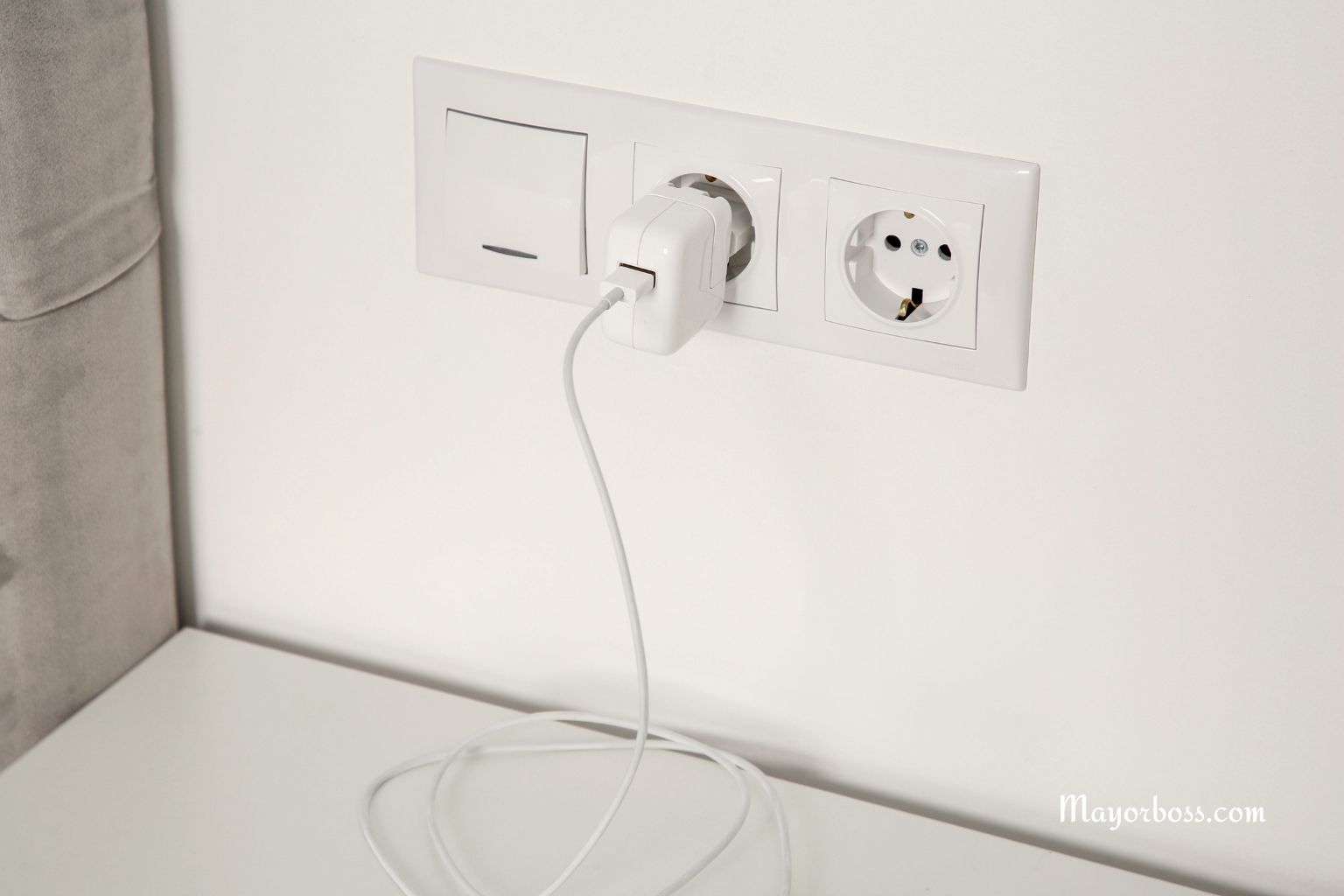
Quick answer: A charger that stays in the outlet without a phone still pulls a small flow of power, can heat up, wear out sooner, and raise fire risk. Unplug it when you are not charging. Use only certified chargers and inspect cables often.
What your charger does with no phone connected
Most modern chargers are always awake. The tiny power supply inside keeps itself ready for work. That alert state draws a little electricity called phantom load. You will not notice it in a day. Over months, it adds up.
That alert state also makes the light heat inside the unit. Heat strains parts. Strain shortens life.
The safety risks you do not see
First, heat. Heat dries internal parts and makes plastic brittle. Brittle plastic can crack. Cracks expose metal. Exposed metal can spark.
Next, poor quality units. Cheap or fake chargers skip safety parts that shut the power off when a part fails. When those parts fail, heat rises fast. A warm outlet plus dry dust can ignite.
Power events also matter. A sudden surge from the grid can damage a charger that stays on all day. Damaged parts may run hotter the next time you plug in a phone.
Yet, kids and pets. A charger left in the wall looks like a toy. Small hands pull on it. Teeth chew on it. Damage follows. Damage raises risk.
Does it waste money
Yes, but the main concern is safety. That said, every idle charger adds a trickle to your bill each month. One unit is small. A home with many idle gadgets costs more. Unplugging helps your wallet and the planet.
Why is heat such a problem?
Electric parts prefer cool, clean air. Even light warmth, hour after hour, dries glue and insulation. Solder joints loosen. Coils hum. Once parts age, they can fail hard. Hard failure can mean smoke or flame.
When are chargers most dangerous?
Old units that feel warm to the touch
Units with frayed cables or bent prongs
Chargers that buzz, click, or smell odd
Units from unknown brands without a safety mark, such as UL, ETL, or CE
Chargers are used on soft surfaces that trap heat, like bedding or a couch
Signs you should retire a charger now
It runs hot even with no phone connected
Plastic looks discolored or warped
The cable has cuts, dark spots, or loose ends
Sparks appear when you insert it into the outlet
The outlet faceplate looks brown or feels warm after use
What to do instead
Unplug when charging is done. Keep a small tray for chargers so you do not misplace them.
Use a power strip with a switch. Flip the switch off when you finish charging. That kills idle power without unplugging each unit.
Use smart plugs with timers. Set them to shut off after your usual charge window.
Create a fixed charging spot in a cool, open area. Clear away paper, curtains, and bedding.
Take chargers with you when you travel. Hotel rooms often have loose outlets. A loose fit can arc.
Safer charging habits
Choose certified chargers from known brands. Look for safety marks from a testing lab.
Match the charger to the device. Use the wattage the maker recommends.
Lay phones on a hard surface while charging. Allow air to flow. Do not cover a phone with pillows or clothes.
Do not coil cables tightly. Sharp bends break tiny wires inside. Gentle loops last longer.
Stop charging during strong storms. Surge events can damage gear. When thunder starts, unplug.
Common myths, cleared up
Myth: Smart chargers pull zero power with no phone connected
Fact: Most still draw a tiny amount to stay ready.
Myth: Only cheap units fail
Fact: Any device can fail with age, heat, or damage. Quality lowers risk but does not erase it.
Myth: A warm charger means fast charging and nothing else
Fact: Some warmth is normal during active use. Warmth at rest hints at a problem.
Replace damaged cables and warm, noisy, or discolored units
Keep charging off soft, flammable surfaces
Switch off power strips or smart plugs when finished
When you must keep a charger in the outlet
Life is busy. If you need a charger ready at all times, lower risk with these steps.
Pick a high-quality unit with a clear safety mark
Plug it into a modern outlet in good condition
Keep it in a cool, clean, open spot with no clutter
Touch it once in a while. If it feels hot or smells odd, remove it and replace it
Use a surge protector to buffer power spikes
Bottom line
A charger parked in an outlet with no phone is not harmless. It draws power, creates heat, and ages faster. Over time, risk climbs. Small changes protect your home and your health. Unplug when done. Use quality gear. Check your setup often.
FAQs
Is it safe to leave a phone charging overnight?
Often, it is fine with a modern phone and a certified charger on a hard surface. Keep the area clear and cool. If the unit or outlet feels hot in the morning, replace the charger.
How much power does an idle charger use
Most draw a small amount. A single unit may cost only a little each year. Many idle gadgets across a home add up. Turning them off saves money over time.
Can a charger start a fire?
Yes, in rare cases. Heat from a fault, a surge, or damaged parts can ignite dust or fabric. Reduce risk with certified gear, good airflow, and regular checks.
Do original brand chargers remove the risk?
They lower the risk, but nothing removes it. Age, heat, and damage still cause failure. Replace the gear that shows wear.
What should I do if a charger gets hot with no phone connected
Unplug it at once. Do not use it again. Replace it with a certified unit from a trusted brand. Inspect the outlet for discoloration, and call an electrician if you see any sign of heat.